
Dark mode
Her look
Hana can look the way you like: recolor her, give her a whole new body, change her name and personality, or keep several characters side by side.
The ways to change her look
| Way | Effort | Best for |
|---|---|---|
| Recolor the built-in Hana (Settings → Her) | none | Everyone: hair, eyes, outfit and ribbon colors |
| Make your own in VRoid Studio (free) | 15–60 minutes, all sliders and presets | Creating your own anime character. The easiest program for non-technical people |
| Download a VRM model from VRoid Hub or BOOTH | 2–5 minutes | Ready-made characters whose creators allow it |
| An official Genshin Impact model | 2 minutes | Personal use of a game character, with HoYoverse's fan terms |
| Other models | varies | Models you're allowed to use, from MMD artists and other official releases |
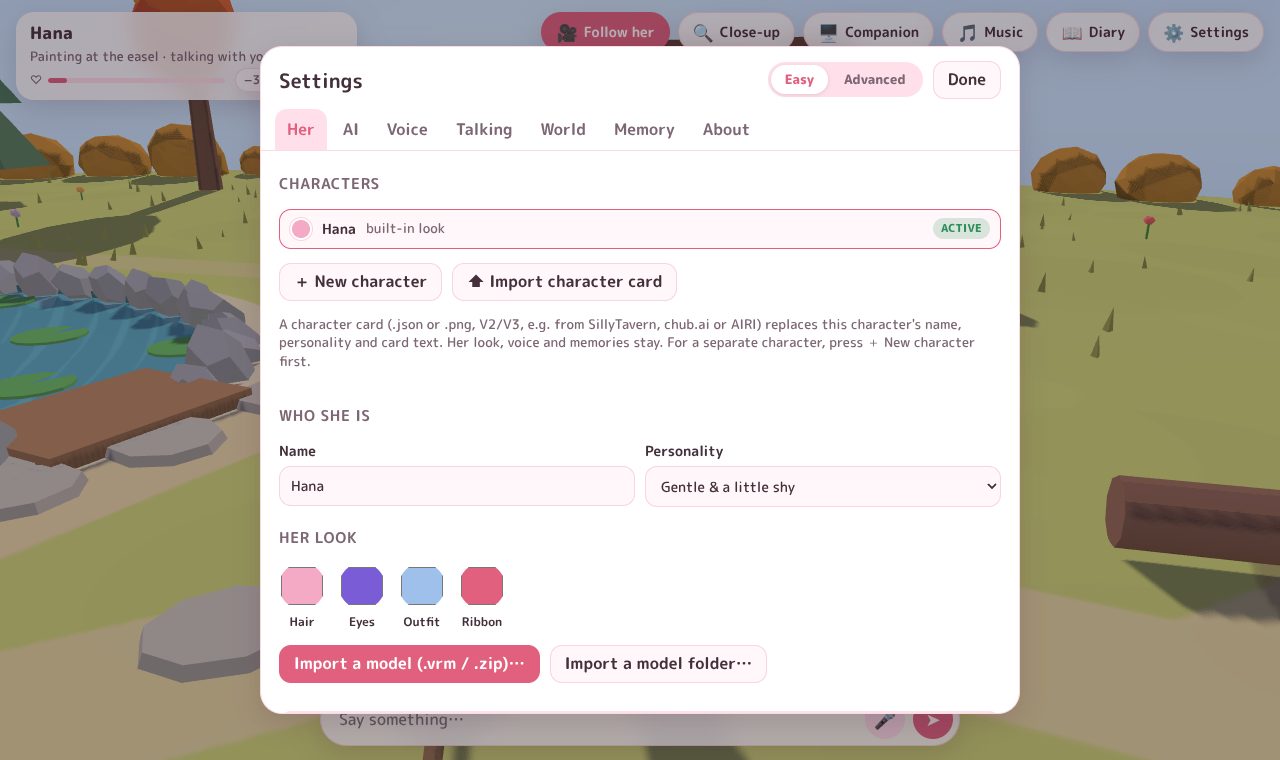
Recolor her
⚙️ Settings → Her → Her look: click Hair, Eyes, Outfit or Ribbon and pick a color. The change shows right away.
Use your own model
⚙️ Settings → Her → Import a model (.vrm / .zip)…, and pick the file. For a model that came as a folder (or an extracted .rar/.7z), use Import a model folder… instead.
- VRM (
.vrm, also.glb): from VRoid Studio, VRoid Hub, BOOTH and more. - MMD (
.pmx,.pmd, or a.zipwith the model and its textures): for example the official Genshin Impact models.
Her poses, walking, sitting, gestures, blinking, expressions and lip sync carry over. The model is saved on your PC for next time and never uploaded. Back to built-in look switches back.
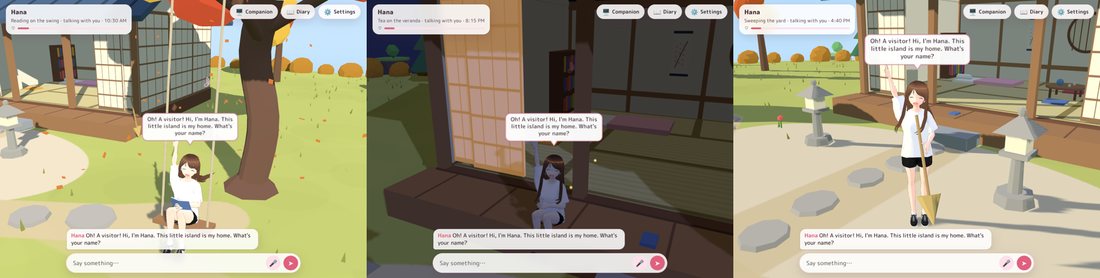
Name and personality
⚙️ Settings → Her → Who she is:
- Name: call her whatever you like. She answers to that name when you talk with your voice.
- Personality: Gentle & a little shy, Cheerful & energetic, Tsundere, Calm & cool, or Write my own… to describe her in a few sentences.
In Advanced mode you also get the character card fields: description, scenario, first greeting, example dialogue and extra instructions for the AI.
More than one character
Press + New character to start a new one. Each character keeps her own name, personality, look, voice, memories and closeness, so trying a new model never changes your Hana. Switch moves between them; ✕ deletes one (click twice to confirm).
Before importing a new model
Make a new character first, then import the model into it. Your original Hana keeps her look and her memories.
Character cards
Okaeri reads the character cards people share for SillyTavern, chub.ai or AIRI (.json or .png, versions 1–3). ⬆ Import character card fills the current character with the card's name, personality and text; her look, voice and memories stay, and Undo brings back the old card. For a separate character, press + New character first. In Advanced mode, ⬇ Export card saves your character as a card.
Okaeri asks the AI to keep every character kind and wholesome, whatever the card says. See Romance.